
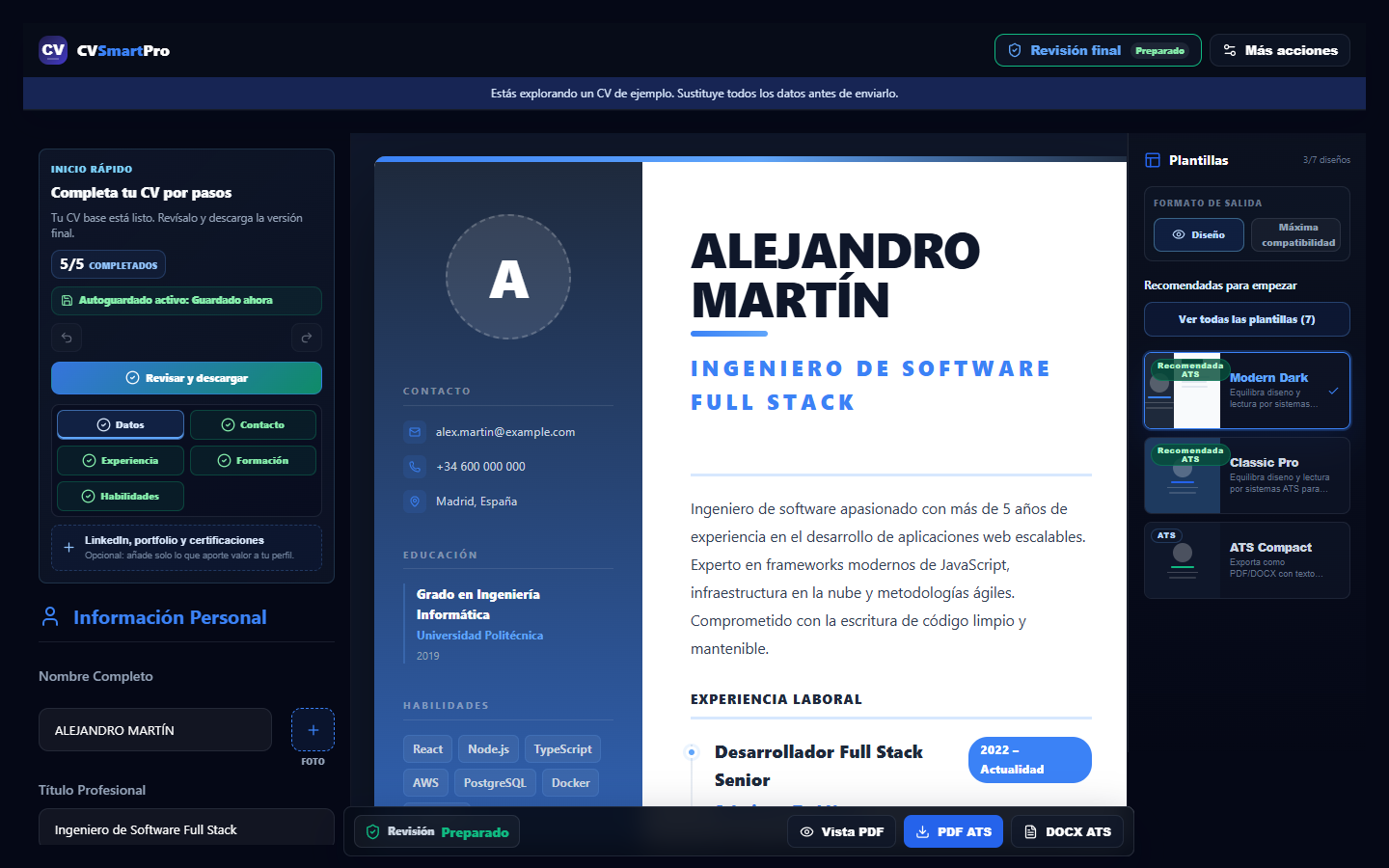
Inspect before editing
Confirm the page count and text coverage first. Scanned files may require OCR and manual correction before their text can be edited reliably.
Choose the right workflow
Small corrections may fit the visual editor. When sections need to be reordered or tailored extensively, rebuilding the CV with a structured template is usually more reliable.
Keep and compare both files
Preserve the source document, export under a new name and compare links, margins, characters and text extraction before sending.